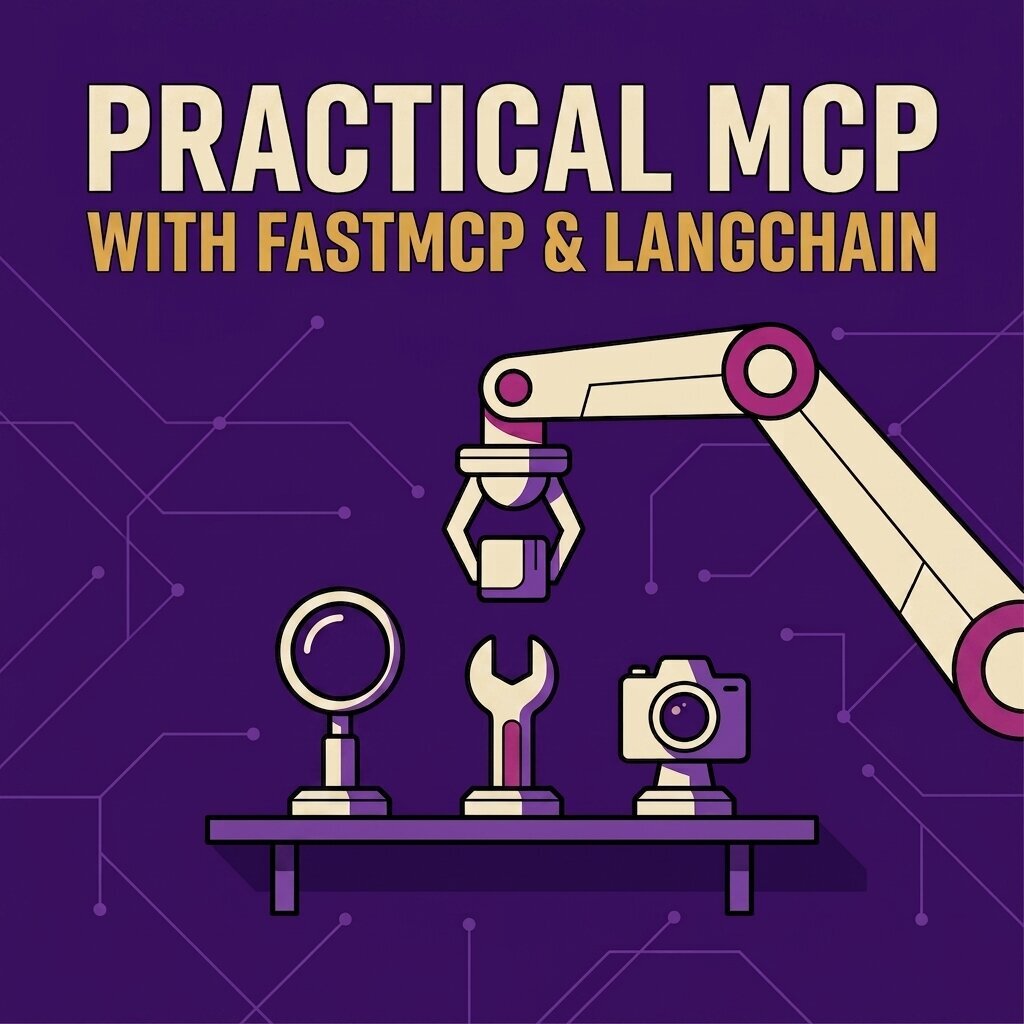
Practical MCP with FastMCP & LangChain
Concevoir l'expérience agentique
Formats : Cours en ligne
Ce que vous apprendrez
- Suivre une requête du prompt à la réponse, y compris la façon dont le modèle choisit un outil
- Construire un serveur et un client MCP depuis zéro, puis les brancher à Claude, Cursor ou GitHub Copilot
- Concevoir des outils qu'un modèle sait lire : docstrings, annotations de type, validation Pydantic, sortie structurée
- Écrire des messages d'erreur dont un modèle peut se relever, sans fuite de détails internes
- Gérer les flux de validation, la remontée de progression et l'état de session d'un appel à l'autre
- Déployer avec ou sans état, sur un conteneur unique ou sur Kubernetes avec un état porté par Redis
À propos de ce livre
Le Model Context Protocol remplace le problème d'intégration en M×N - chaque modèle relié à chaque outil à la main - par un protocole unique. Ce cours part du niveau du fil, avec les messages JSON-RPC, les transports et la négociation de capacités, puis construit des serveurs MCP qui exposent de vraies capacités et des clients qui mènent contre eux des conversations complètes.
Il démêle les quatre notions que les équipes confondent régulièrement : RAG, appel de fonctions, outils MCP et ressources MCP. Il parcourt ensuite les schémas d'interaction que le protocole permet - validation humaine, remontée de progression depuis des outils longs, échantillonnage côté serveur, journalisation structurée et état de session qui survit d'un appel d'outil à l'autre - puis connecte les serveurs à des agents LangChain et les déploie avec ou sans état, sur un conteneur unique ou sur Kubernetes avec un état porté par Redis. Le projet final est un système d'analytique de qualité production adossé à PostgreSQL et Redis.
Table des matières
-
Practical MCP with FastMCP and LangChain
- What You'll Learn
- About the Author
- Join the Community
- Your Feedback Matters
-
How to Use This Guide
- The Companion Kit
- Heredoc
- Long Commands
-
Introduction to MCP: One Protocol Instead of a Hundred Integrations
- The USB-C of AI Integrations
- Why MCP Matters
- Setting Up an MCP Environment for Learning
-
MCP Architecture and Workflow: How Host, Client, and Server Fit Together
- The MCP Host
- The MCP Client
- The MCP Server
- Understanding How Everything Fits Together
-
Primitives, Capabilities, and Utilities: The Full MCP Feature Set and When to Use Each
- Tools (Server Side)
- Resources (Server Side)
- Prompts (Server Side)
- Logging (Server Side)
- Pagination (Server Side)
- Completions (Server Side)
- Sampling (Client Side)
- Elicitation (Client Side)
- Roots (Client Side)
- Cancellation (Client & Server Side)
- Ping (Client & Server Side)
- Progress (Client & Server Side)
- Tasks (Client & Server Side)
- Primitives vs Capabilities vs Utilities
-
Four Concepts People Confuse: RAG, Function Calling, MCP Tools, and MCP Resources
- Function Calling vs MCP Tools
- Retrieval Augmented Generation vs Model Context Protocol Resources
-
How MCP Talks: JSON-RPC, Transports, and Message Types
- The Standard MCP Communication Protocol
- The JSON-RPC Message Structure
-
Following One MCP Request From Prompt to Answer
- Step 1 - Startup, Configuration and Preparation
- Step 2 - Initialization, Handshake and Capability Negotiation
- Step 3 - Discovery and Introspection
- Step 4 - Reasoning, Decision-Making and Planning
- Step 5 - Tool Calling, Execution and Structured Output
- Step 6 - Integration: Composing the Final Answer
- Step 7 - The Feedback Loop
- Post-Processing & Application Logic
- How The AI Agent Selects and Uses MCP Tools
-
Prerequisites & Setup for the Development Environment
- The Operating System
- Python: The De Facto Language for AI/ML
- UV: The Fast Python Packaging Tool
- Pyproject: The Modern Python Project
- NPM and Node.js
-
Your First MCP Server: A Working Calculator in Python
- Installing the Official MCP SDK
- Prototyping an MCP Server
- Testing the Server
- The MCP Inspector
-
Build an MCP Client: Wiring an LLM to Your Server
- Overview of Function Calling
- Prototyping an MCP Client
- Understanding How the MCP Client Works
- Testing the MCP Client
- OpenAI as MCP Orchestrator
- Connecting Other Applications to our MCP Server
- Connecting GitHub Copilot to our MCP Server
- Connecting Claude Code to our MCP Server
- What's Next
-
MCP vs FastMCP: Untangling the Names That Confuse Everyone
- MCP vs FastMCP - What Is the Difference?
- What Is FastMCP Then?
- What Changed With FastMCP?
- Why We Are Moving to FastMCP
-
Getting Started with FastMCP: From Install to Your First Server
- Installation
- Creating Your First FastMCP Server
- Running the Development Server
- FastMCP JSON Configurations
- FastMCP with MCP Inspector
- Testing the Server with a FastMCP Client
-
FastMCP in Depth: Building "The Puppy Guide" MCP
- Preparing the Development Environment
- The FastMCP Class
-
Shaping Tools the LLM Understands: Types, Docstrings, and Validation
- The Importance of Docstrings
- Parameter Types and Return Types
- Additional Customization Parameters
- FastMCP Annotations
- Type Coercion and Validation
- Better Control with Pydantic
- Hiding Parameters from the LLM
- Putting Everything Together
-
Async vs Sync Tools: When Each One Wins
- Async vs Sync Tools: When Each One Wins
-
Error Handling: Writing Messages the LLM Can Actually Use
- Exception Types
- What actually happens at the protocol level
- MCP Clients vs LLMs: Who sees the error?
- So what does the LLM actually understand?
- Masking Internal Error Details
- Resource and Prompt Error Handling
- Putting Everything Together
-
The Context Object: Making Your Tools Session-Aware
- What is the MCP Context?
- How Do You Get a Context Object?
-
Building a Custom MCP Client: An LLM-Powered REPL
- Prepare the Environment
- The Client Code
- Elicitation Handler
- Logging Handler
- Progress Handler
- Sampling Handler
- What's Next?
-
Server-to-Client Logging: Talking to the User While a Tool Runs
- Why MCP Has Its Own Logging
- The Four Log Levels
- Structured Data with the Extra Parameter
- How Clients Handle Log Messages
- Putting It All Together
-
Pausing a Tool to Ask the User: Elicitation in MCP
- The Problem with One-Way Communication
- Why Elicitation Matters
- The Flow of an Elicitation
- The Three Possible Outcomes
- Requirements and Limitations
- Implementing Elicitation
-
Keeping Clients Informed: Server-Side Progress Reporting
- How to Report Progress
-
Borrowing the Client's LLM: Model Sampling in FastMCP
- How FastMCP Implements Sampling
- Implementing Sampling with FastMCP
-
Making Your Server Remember: Session State
- Storing and Retrieving Values
- Session Isolation
- Custom Storage Backends
- How Long State Lasts
- What Values Can Be Stored
- Implementing Session State Using FastMCP
-
Setup Once, Share Everywhere: The Server Lifespan
- The Problem with Per-Request Setup
- What a Lifespan Does
- Defining a Lifespan
- Lifespan vs Session State
-
FastMCP Middleware: Gates Around Every Request
- The Basic Idea
- How to Write One
- Hooks: Choosing the Right Level
- Ordering Matters
- What Middleware Is Good For
-
FastMCP's Layered Architecture: From Wire to Tool
- The Big Picture
- Why This Matters
-
Building an Advanced Netflix MCP: Introduction and Setup
- FastMCP Netflix Server-Client Architecture
- Project Data Stores
- Coding Requirements
-
Building an Advanced Netflix MCP: Server Implementation Guide
- Imports
- Loading Configuration
- Debugging Middleware
- Creating the FastMCP Server
- Attaching Middleware and Registering Components
- Adding Transforms
- Exposing the ASGI Application
- Component Implementation: Tools
- Component Implementation: Resources
- Component Implementation: Prompts
- Database Setup
-
Building an Advanced Netflix MCP: Client Implementation Guide
- Main Client: `client/main.py`
- Handlers
-
Testing the Advanced Netflix MCP: Running the Full Stack End to End
- Running the Server
- Running the Client REPL
- Testing the Workflow
- Limitations of Using "Raw" OpenAI
-
Integrating Agents with MCP: Introduction to LangChain
- What is LangChain?
- Building a LangChain Agent
-
Integrating Agents with MCP: Function Calling Agents
- Building a Function Calling Agent
-
Integrating Agents with MCP: MCP for LangChain Agents
- Connecting MCP to LangChain
- Integrating An Existing MCP With LangChain
- Calling MCP Tools vs. LangChain Functions
- What's next
-
RAG Meets MCP: Building a Question-Answering MCP Agent
- Embeddings
- Cosine Similarity
- Chunking
- Vector Stores
- Top-k Retrieval
- Retrieval-Augmented Generation (RAG)
- Building a PDF Question Answering RAG Agent
- What's next
-
Deploying FastMCP in Production
- Gateway and Proxy Architectures
- Running FastMCP in Production
- Infra-Level Orchestration & Scalability
-
Afterword
- Let's Stay Connected
- Your Feedback Matters
Pour qui
Ingénieurs Python qui construisent des agents, en ont fini avec les démonstrations et ont besoin que le protocole tienne en production.
À propos de l'auteur
Aymen El Amri est ingénieur logiciel, auteur et maker. Il dirige eralabs, a construit FAUN.dev, et écrit sur les systèmes cloud native, l'ingénierie de l'IA et les outils pour développeurs (developer tooling). Qui est Aymen.