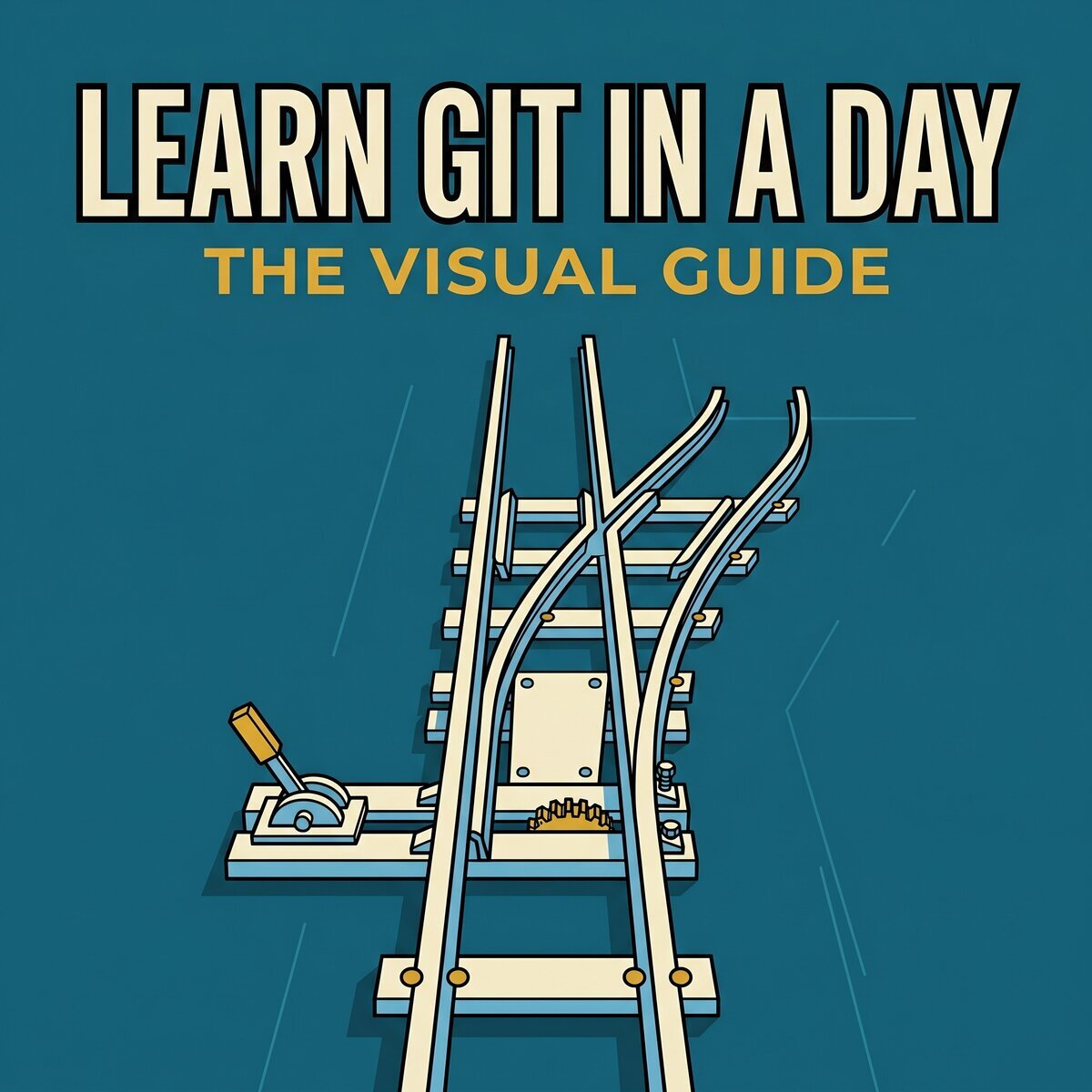
Learn Git in a Day - The Visual Guide
Everything you need, nothing you don't
Available as: Online course, Kindle, Paperback
What You'll Learn
- Set up Git on your machine and turn any folder into a tracked project
- Move changes between the working directory, the staging area and the repository
- Choose exactly which changes go into a snapshot and which stay out
- Browse the full history and inspect any past version
- Throw away edits, unstage a file, and reverse a saved change without rewriting history
- Set aside unfinished work, switch to something else, and come back to it
About This Book
A structured walkthrough that takes you from zero Git knowledge to using it in a real workflow in a single day. It is not a command reference and not a list of recipes to memorize: it starts with why Git exists and how it thinks about your files and history, then moves into the workflows you use every day.
Most people pick up a handful of commands by copying from Stack Overflow and get by until a merge conflict or a detached HEAD shows they never built a mental model. This guide builds that model first, so you can reason your way through situations you have not seen before. No prior Git or version control experience is assumed - basic comfort with a terminal is enough.
Table of Contents
-
Preface
- What You'll Learn
- About the Author
- Join the Community
- Your Feedback Matters
-
How to Use This Guide
- The Companion Kit
- Heredoc
- Long Commands
-
Why Git Matters
- Stop Naming Files "final_v2"
- Meet Git
- Why You Can't Skip This
- Words You'll Hear a Lot
- All You Need to Follow Along
-
Get Git Up and Running
- Install Git in 30 Seconds
- Tell Git Who You Are
- Make Sure It's Worked
- What We've Done
-
Your First Save Point
- Set Up the Project Folder
- Turn a Folder Into a Repo
- See What Git Sees
- Write Some Actual Code
- The Checkpoint Before the Checkpoint
- Save Your First Snapshot
- Change, Stage, Commit - Repeat
- Look Back at What You've Done
- The Four-Step Rhythm
- What We've Done
-
Oops - How to Undo Anything
- Throw Away Changes You Don't Want
- Take a File Off the Stage
- Undo a Commit Without Losing History
- Put Your Work on Pause
- Summary
- What We've Done
-
Work on Two Things at Once
- What Branches Actually Are
- Spin Up a New Branch
- Jump Between Branches
- Do Both at Once
- Build a Feature in Isolation
- Bring Your Work Back Together
- Clean Up After Yourself
- When Git Can't Figure It Out
- See the Big Picture
- Summary
- What We've Done
-
Put Your Code in the Cloud
- Create Your GitLab Account
- Set Up SSH So You Never Type a Password
- Create a Home for Your Code on GitLab
- Link Your Local Repo to GitLab
- Send Your Code Up
- Bring Changes Down
- Fetch vs. Pull - What's the Difference?
- Push a Branch to GitLab
- Download an Existing Repo
- Summary
- What We've Done
-
Code Review and Teamwork
- How Real Teams Ship Code
- Start a Feature the Right Way
- Ask Your Team to Review
- Give Feedback Like a Pro
- Ship It
- Write Descriptions People Actually Read
- Commit Messages That Don't Suck
- What a Normal Workday Looks Like
- Summary
- What We've Done
-
Keep Your Branch in Sync
- Why Your Branch Falls Behind
- Watch It Happen
- Replay Your Work on Top
- Merge - Now It's Clean
- Pull Without the Ugly Merge Commits
- When Rebase Fights Back
- The One Rule You Must Follow
- Summary
- What We've Done
-
Keep Junk Out of Your Repo
- Not Everything Belongs in Git
- Write Your First .gitignore
- Pattern Matching in a Nutshell
- Already Tracked? Here's the Fix
- A Real-World .gitignore
- Ignore Files Across Every Repo
- Summary
- What We've Done
-
Mark the Milestones
- Tag Your First Release
- Two Kinds of Tags
- List and Inspect Tags
- Tag a Commit After the Fact
- Share Your Tags with the Team
- Travel Back to a Tag
- Remove a Tag You Don't Need
- How to Name Your Tags
- Tags vs. Releases - What's the Difference?
- Summary
- What We've Done
-
Tricks That Save You Time
- Stop Typing the Same Commands
- Find Out Who Wrote That Line
- Compare Changes Like a Detective
- Time-Travel to an Old Commit
- Fix Your Last Commit
- Prune Dead Branches
- Summary
- What We've Done
-
Your Git Cheatsheet
- Setup
- Starting a Project
- Day-to-Day Workflow
- Viewing History
- Undoing Things
- Stashing
- Branches
- Remotes
- Rebase
- Tags
- Ignoring Files
- SSH Authentication
- Aliases
- Merge Conflicts
- When Things Go Wrong
-
Beyond the Command Line
- GUI Clients
- Terminal UI and CLI Enhancements
- Hooks and Quality Gates
- Multi-Repository Management
- History Rewriting and Cleanup
- Release and Commit Workflow
- Security and Signing
- Analytics and Visualization
- Diff and Merge Tools
- Large Files and Repository Extensions
- Repository Utilities
- Self-Hosted Git Servers
-
Afterword
- Let's Stay Connected
- Feedback
Who This Is For
Students, self-taught programmers and career switchers who have heard of Git and never properly sat down with it.
About the Author
Aymen El Amri is a software engineer, author and maker. He runs eralabs, built FAUN.dev, and writes about cloud native systems, AI engineering and developer tooling. More about Aymen.